
Getting started
Create your account
- Press Launch app, then Create an account (or Start free under Plans on the home page).
- Type your email and a password of at least 8 characters.
- Open the email we send and press Confirm my account on the page it opens.
- Sign in.
Confirm within 20 minutes. After that the unconfirmed account is removed and you can simply sign up again.
Opening the link alone does nothing: you must press the button. This stops company mail scanners, which open every link, from confirming accounts nobody asked for.
Sign in and passwords
- Remember me keeps this browser signed in for 30 days.
- Forgot password? on the sign in page emails you a link to choose a new one. It works for 60 minutes. Setting the new password signs out every device; then sign in with it.
- After 5 wrong passwords in 15 minutes, signing in pauses and the page says how many minutes to wait. A browser you signed in with before has its own count, so strangers guessing your password cannot lock you out there.
- New passwords that appear in known data breaches are refused.
Years and your base
Nomad Life counts in solar years, 1 January to 31 December. Each year is its own workspace with a base: the city and country you live in, usually where you pay tax.
Create a year
Your first sign in opens Set up your year. Later years start from the + Year tab on the dashboard.
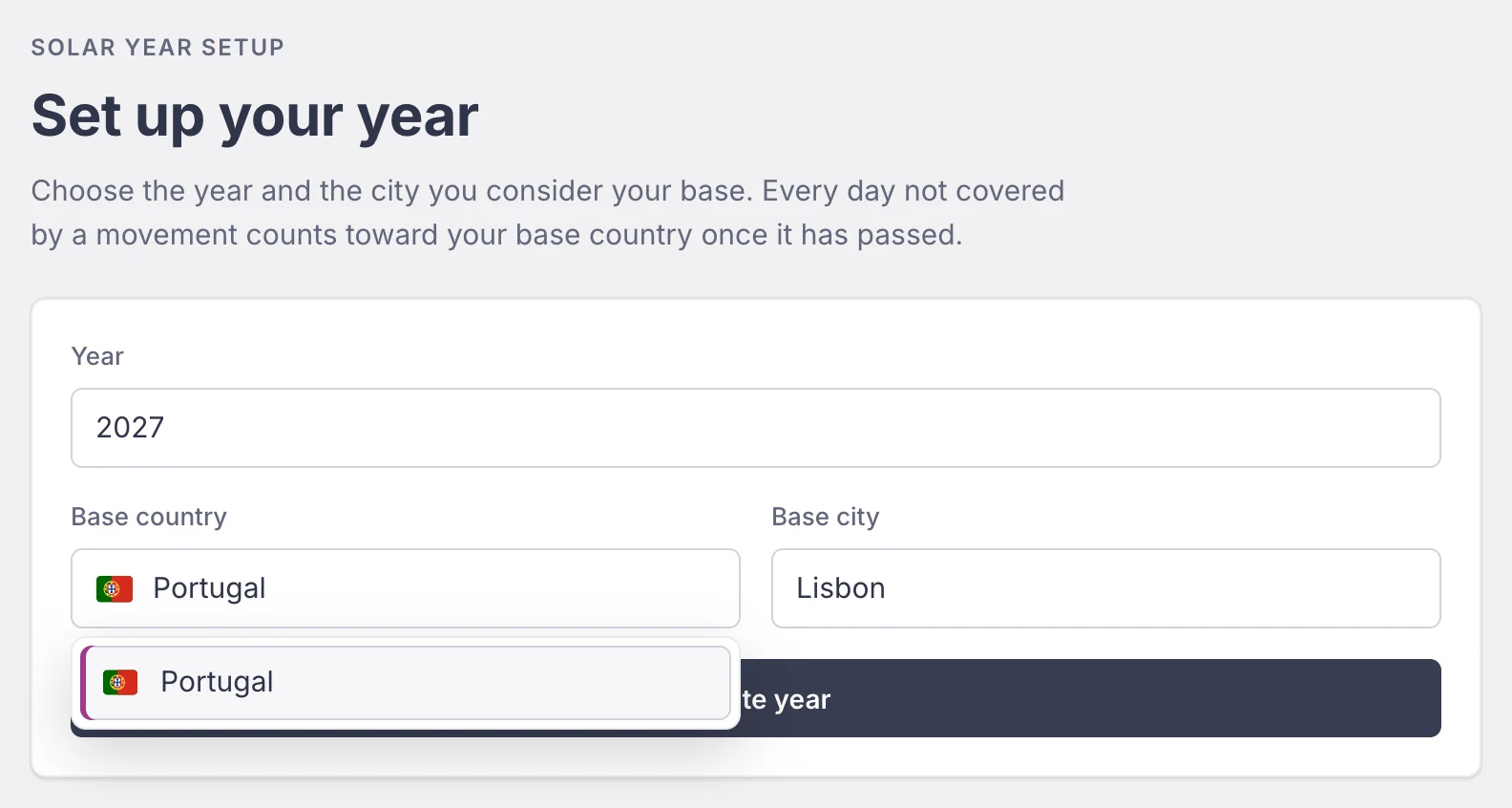
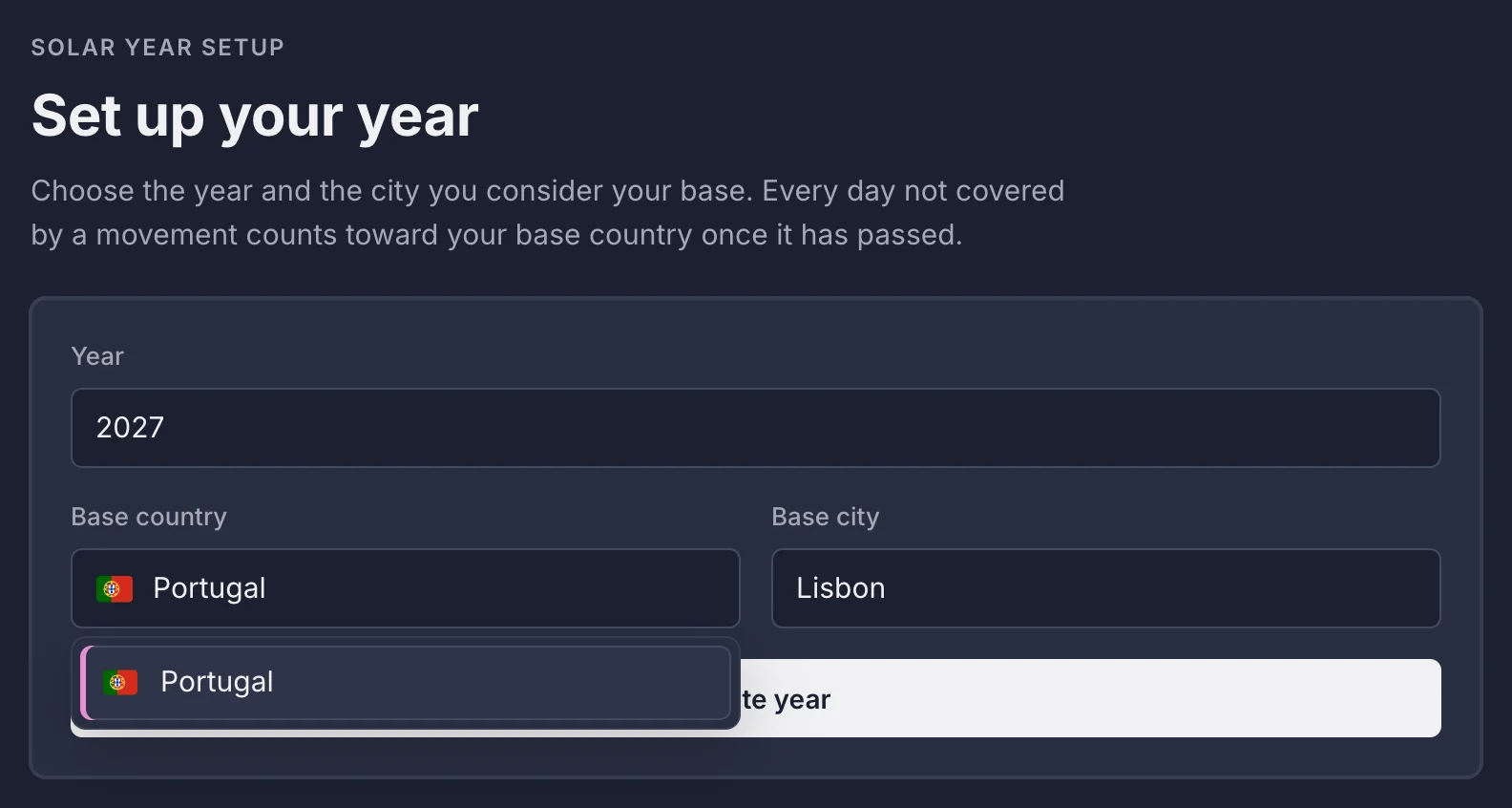
You can have one workspace per year. The tabs next to + Year switch between them.
Change your base or delete a year
On the dashboard, Manage base and contract (on the Base card) lets you change the base city and country, upload your rental contract, or delete the year. Deleting a year removes its movements and receipts and asks you to type the year to confirm.
Movements
A movement is a stay away from your base: a trip, a month in another city, a flight day. Log each one with its country, city and dates.
Add a movement
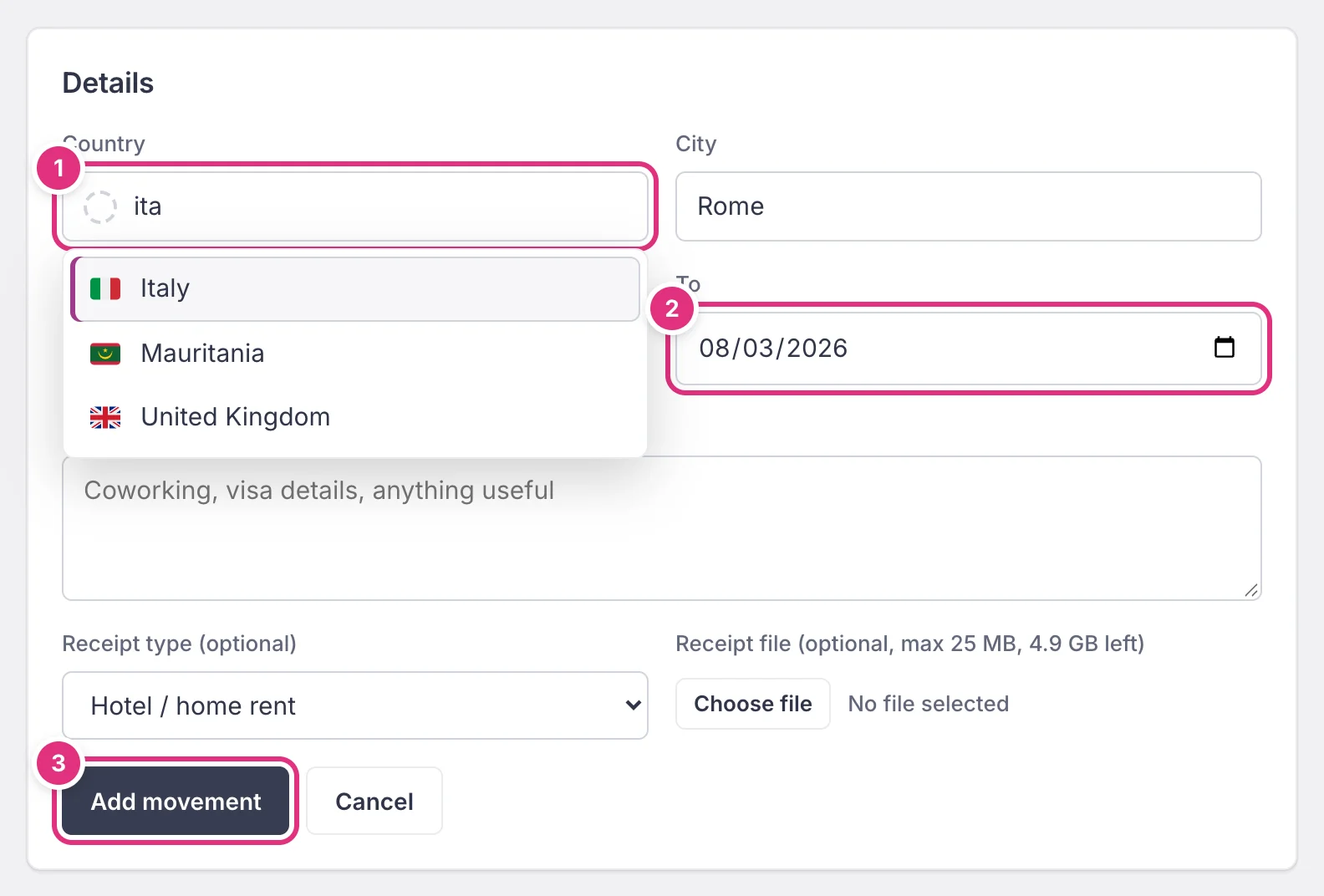
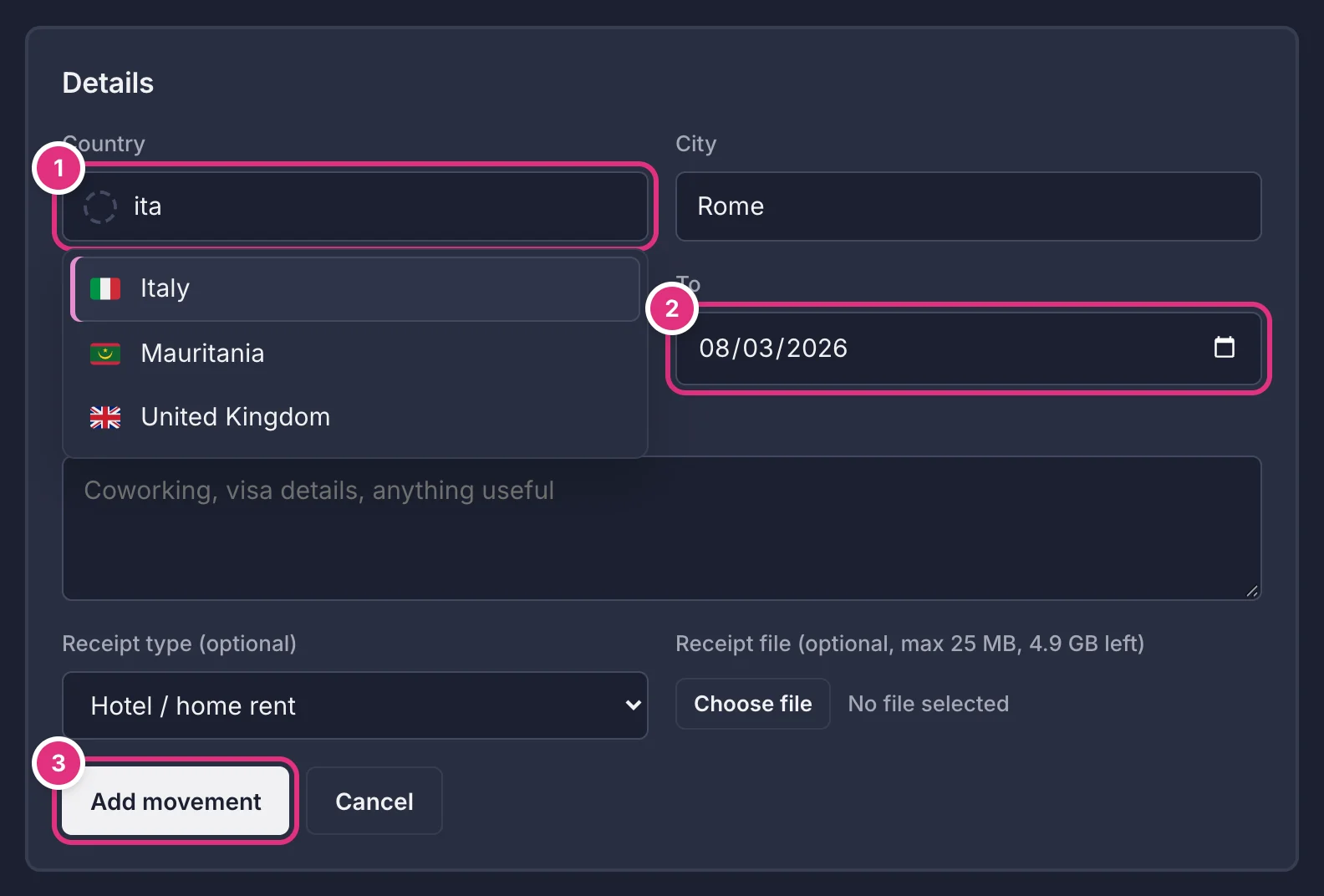
- Press + Add movement on the dashboard.
- Both dates count. From 1 March to 3 March is 3 days.
- The dates must fall inside the year. A trip over New Year is two movements: 28 to 31 December in one year, 1 to 5 January in the next.
- Notes are optional, up to 5,000 characters, and only you see them (the accountant package leaves them out unless you ask).
The country picker
Type part of a name, a two letter code or a common name: ita finds Italy, JP finds Japan, Holland finds Netherlands. Accents do not matter. Use the arrow keys and Enter, or tap a country.
A place that is not in the list can be typed as it is. It is counted as its own country and listed under the map.
Edit or delete a movement
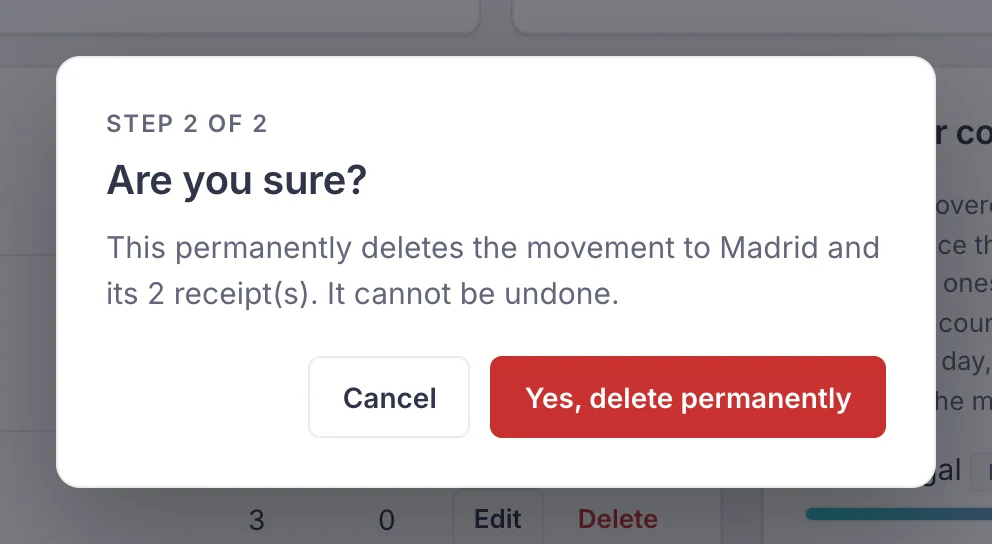
Press the city in the Movements table, or Edit. Delete removes the movement and its receipts after two confirmations.
Limits: city and country up to 100 characters, and up to 1,000 movements a year.
How days are counted
Every day of the year goes to one country at most. Four rules decide which one:
- Movements count in full, planned future ones too.
- Days without a movement count for your base, but only once they have passed (today included). Empty future days count nowhere yet.
- A day in two movements (an overlap), such as a travel day, counts for the one that started later. If both start the same day, the shorter one wins; with identical dates, the newest.
- A movement inside your base country counts for the base country.
When movements overlap by more than a travel day (one ends the day the next begins), a red triangle blinks next to the Movements title. Press it to read which movements share which days and where those days count, copy the report, and fix the dates if you were not in both places.
A worked example
Base Lisbon, Portugal. Today is 10 March. Spain from 3 to 6 March, Italy from 6 to 8 March, and a trip to Thailand planned for 13 and 14 March.
The 183 day line
Many countries treat you as a tax resident once you spend 183 days or more there in a year. The Days in base country card marks that line: it says At least 183 days, or how many days you are short. In Days per country a bar turns red when another country reaches 183 days.
Nomad Life counts days; it does not give tax advice. Rules differ by country (some count partial days or look at other ties), so check yours with an accountant.
Your dashboard
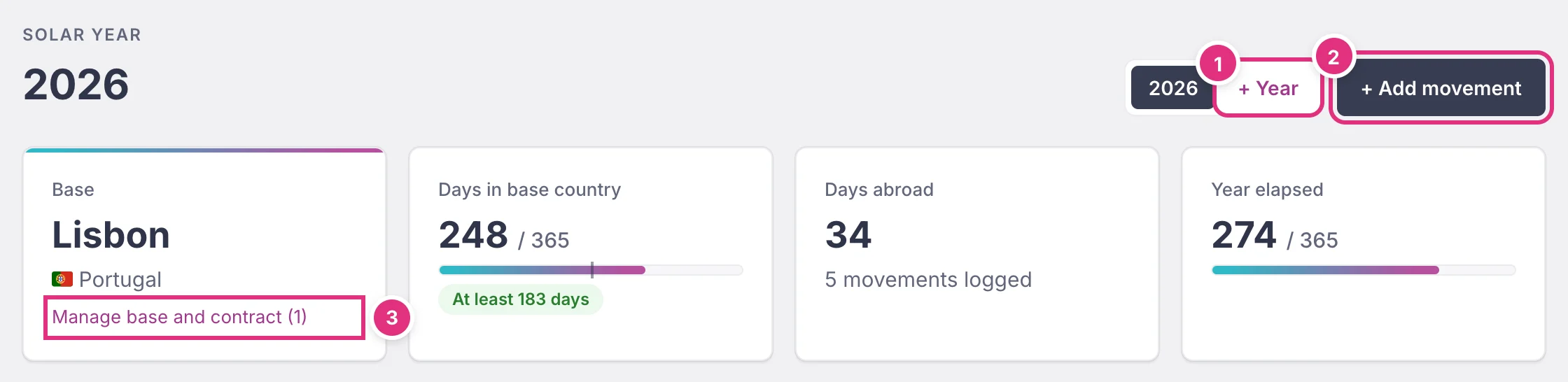
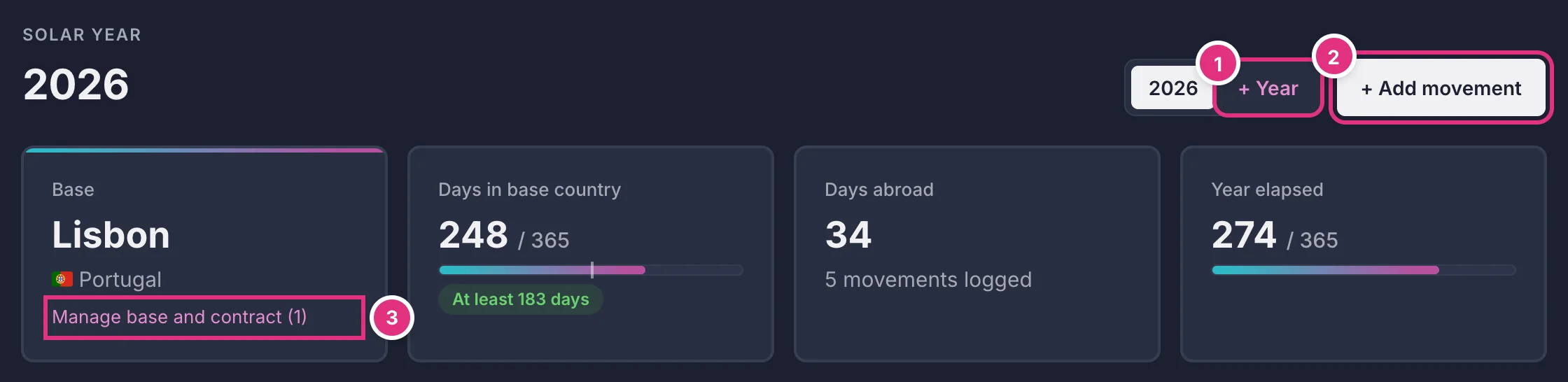
The four cards
- Base: your base city and country, and the link to manage them.
- Days in base country: days counted for your base, out of the days in the year, with the 183 day marker.
- Days abroad: days counted for every other country.
- Year elapsed: how far into the year today is.
The Movements table
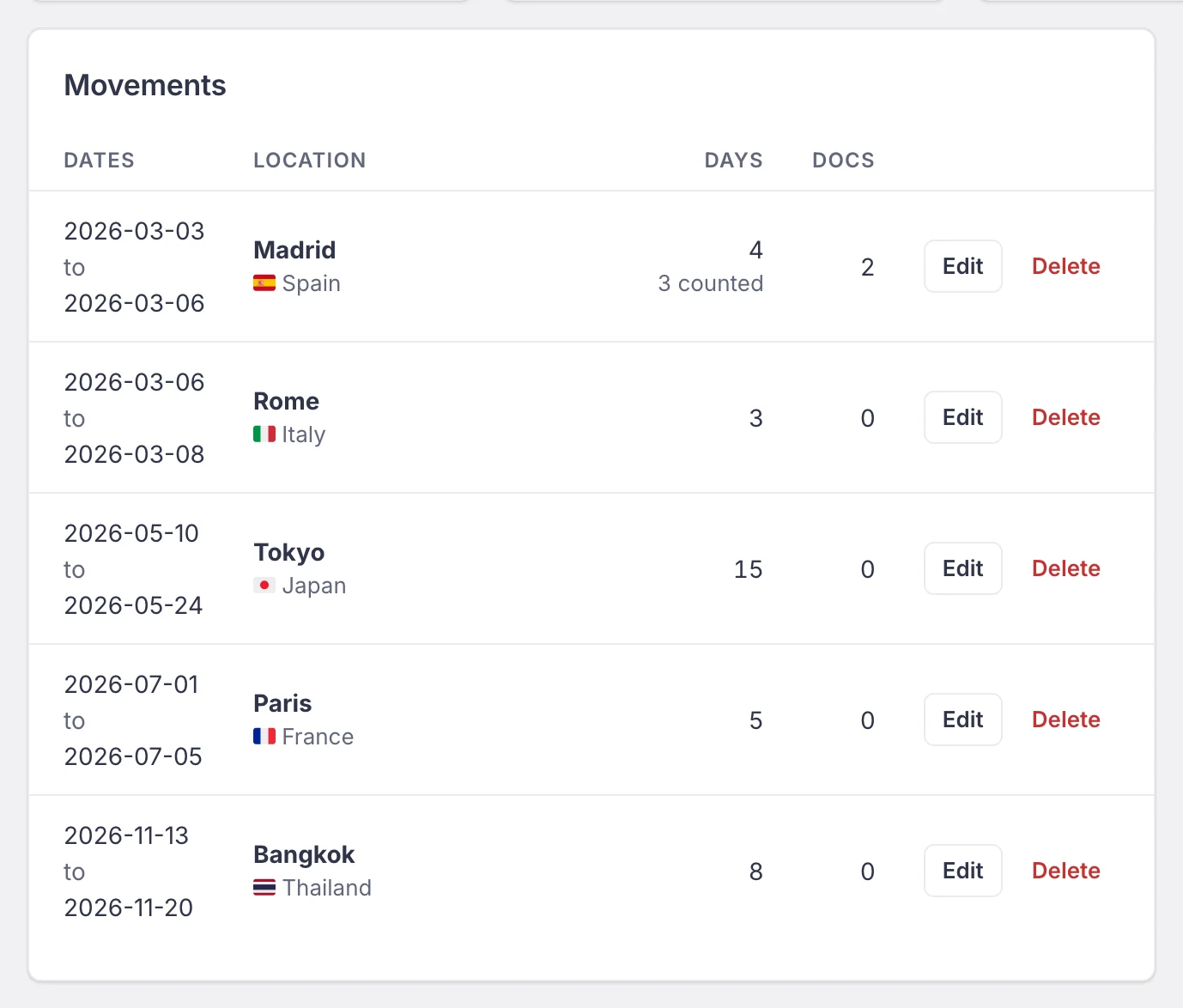
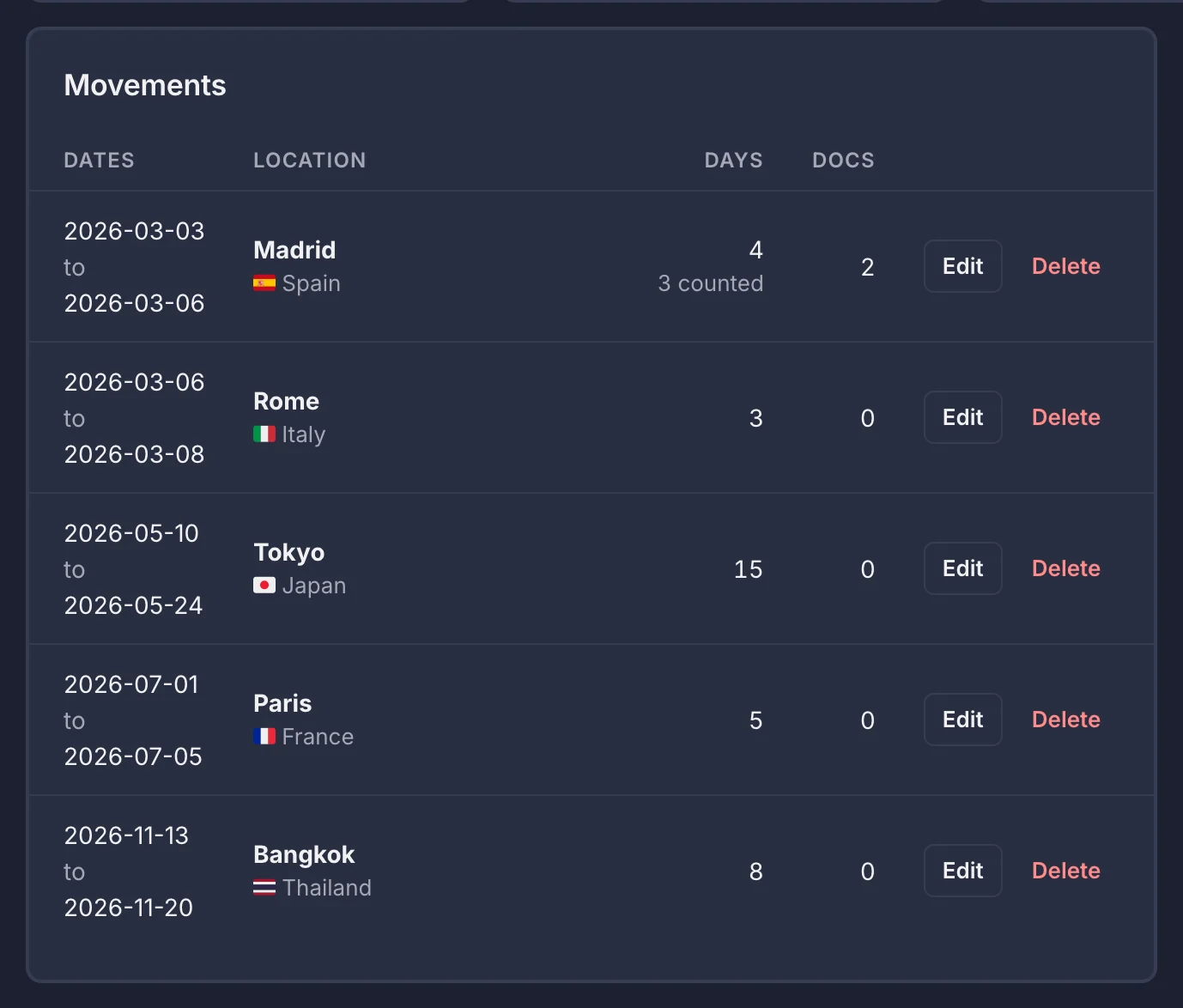
Movements are listed by start date; the one you are in today is highlighted. A blinking red triangle next to the title means some movements overlap (see How days are counted). Long lists are split into pages; choose 10, 25, 50 rows with Show under the table.
Days per country
Each country with its total for the year and, in brackets, the days so far. The total includes movements you have planned.
The map
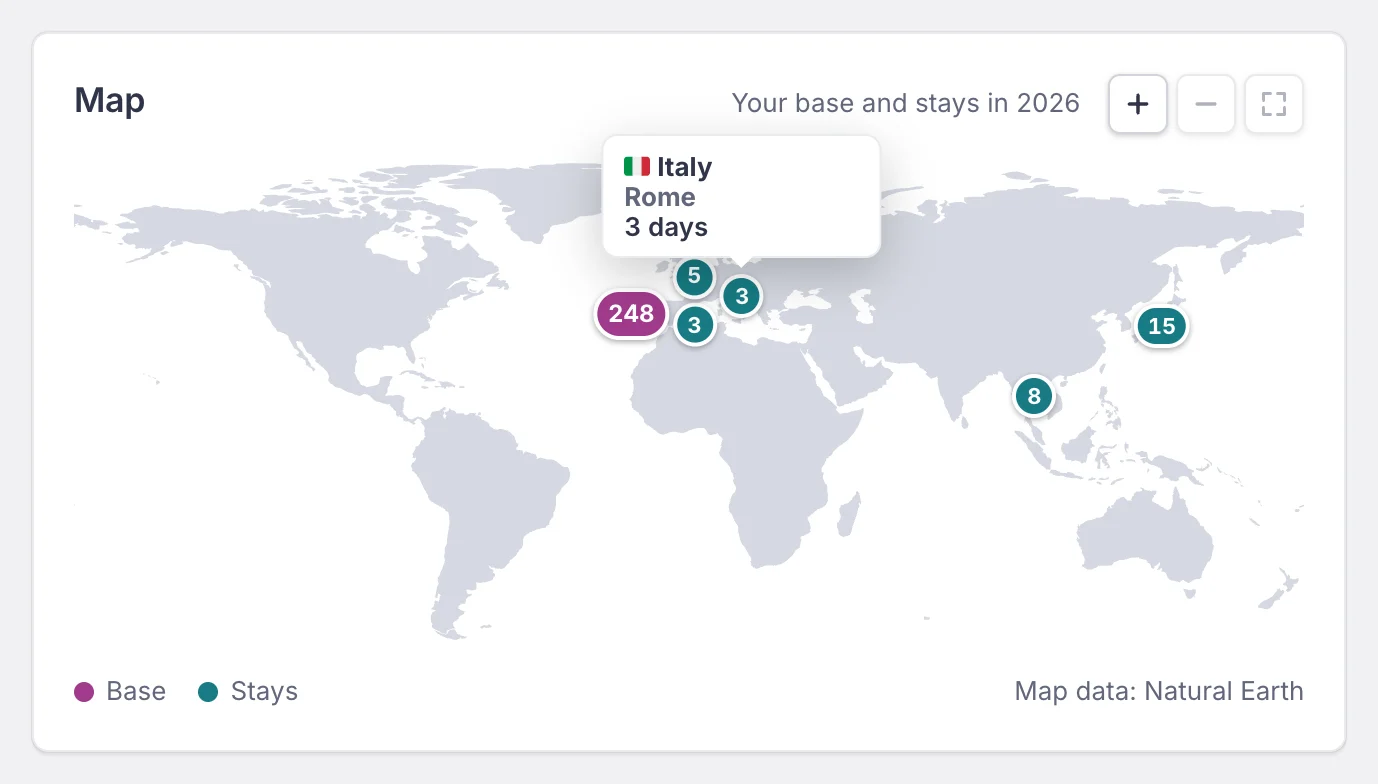
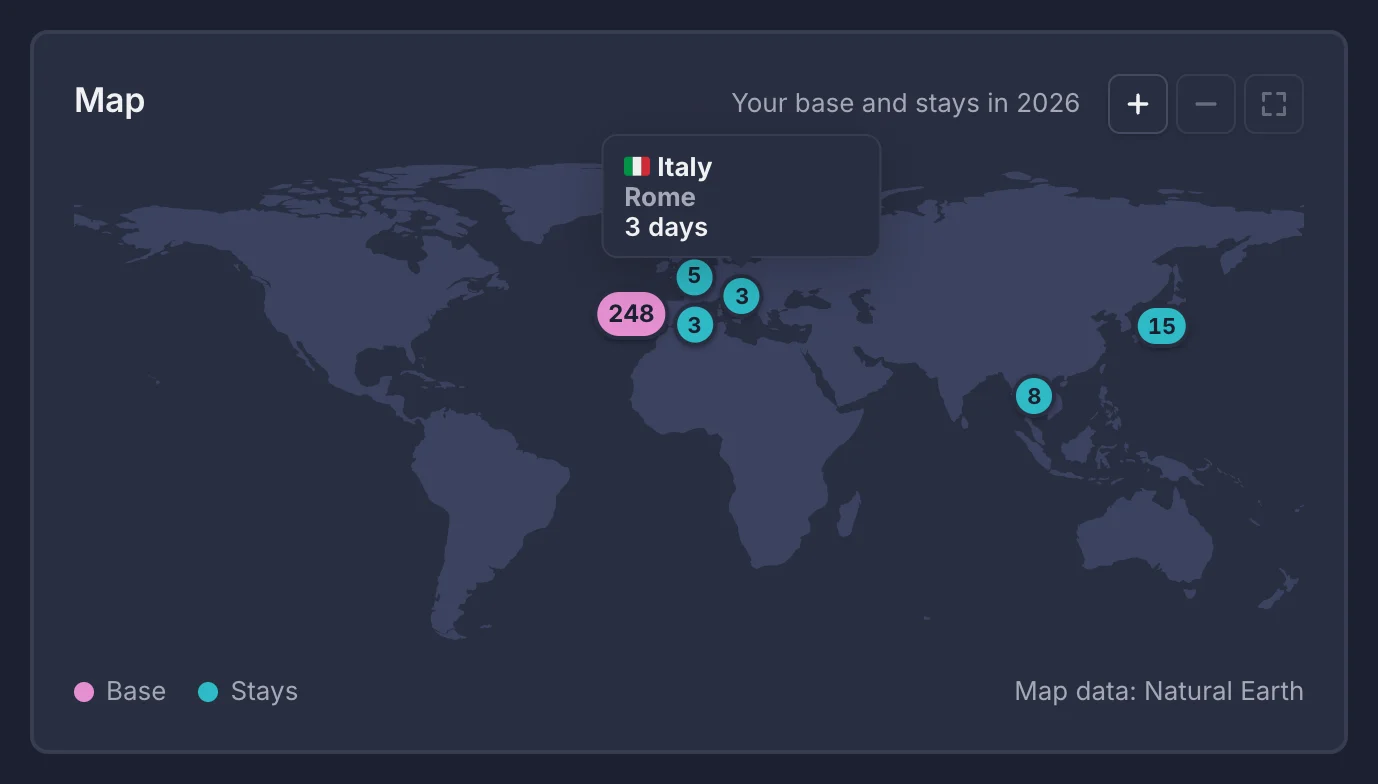
- One pin per country, with its number of days. Your base has the bigger, differently colored pin.
- + and - zoom up to 8 times; the frame button shows the whole world again. While zoomed, drag the map to move around.
- Places the map cannot show, such as a country typed as free text, are listed under it.
Receipts
Keep the proof of where you were: rental contracts, hotel bills, flight tickets.
Upload a receipt
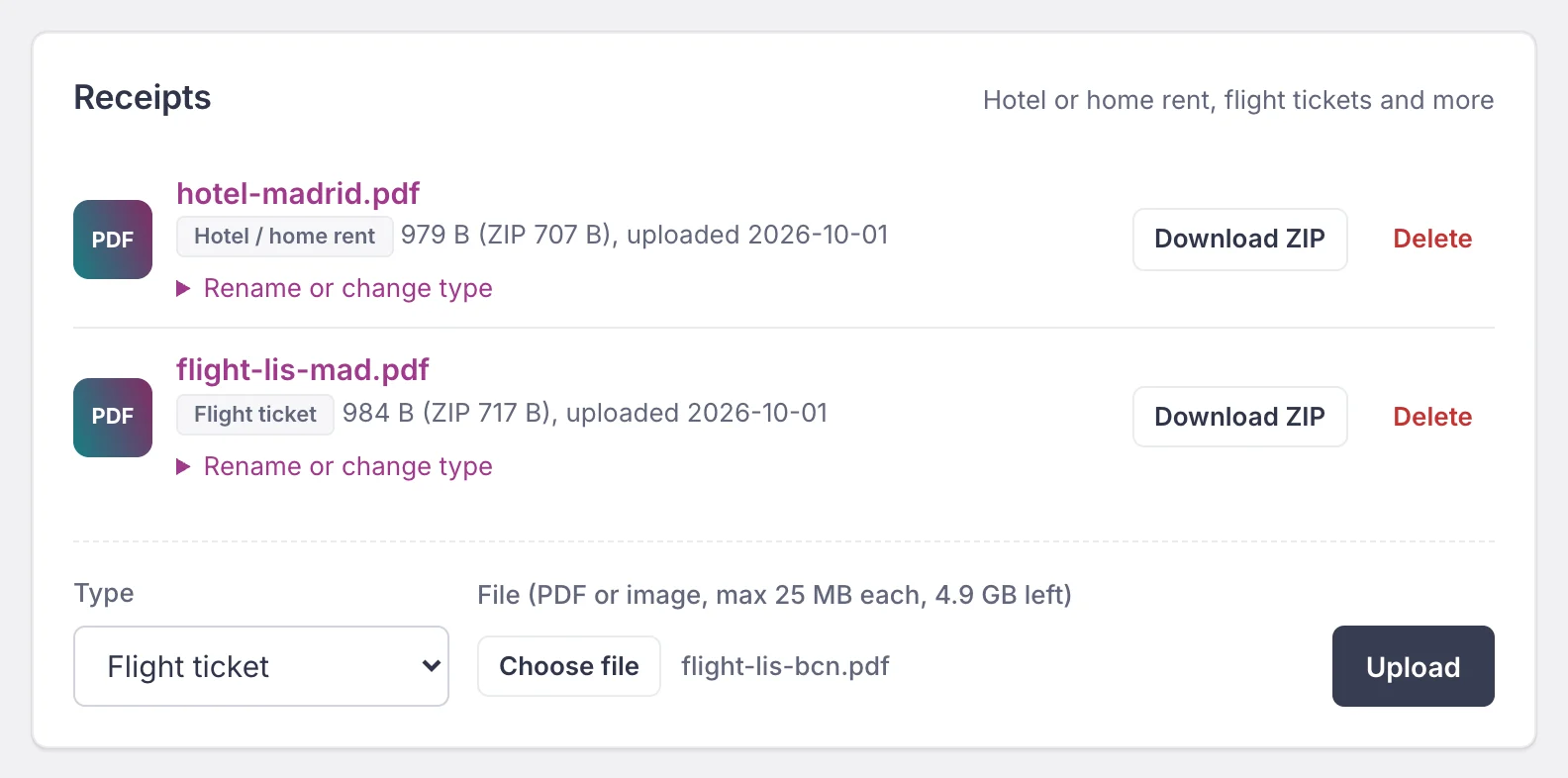
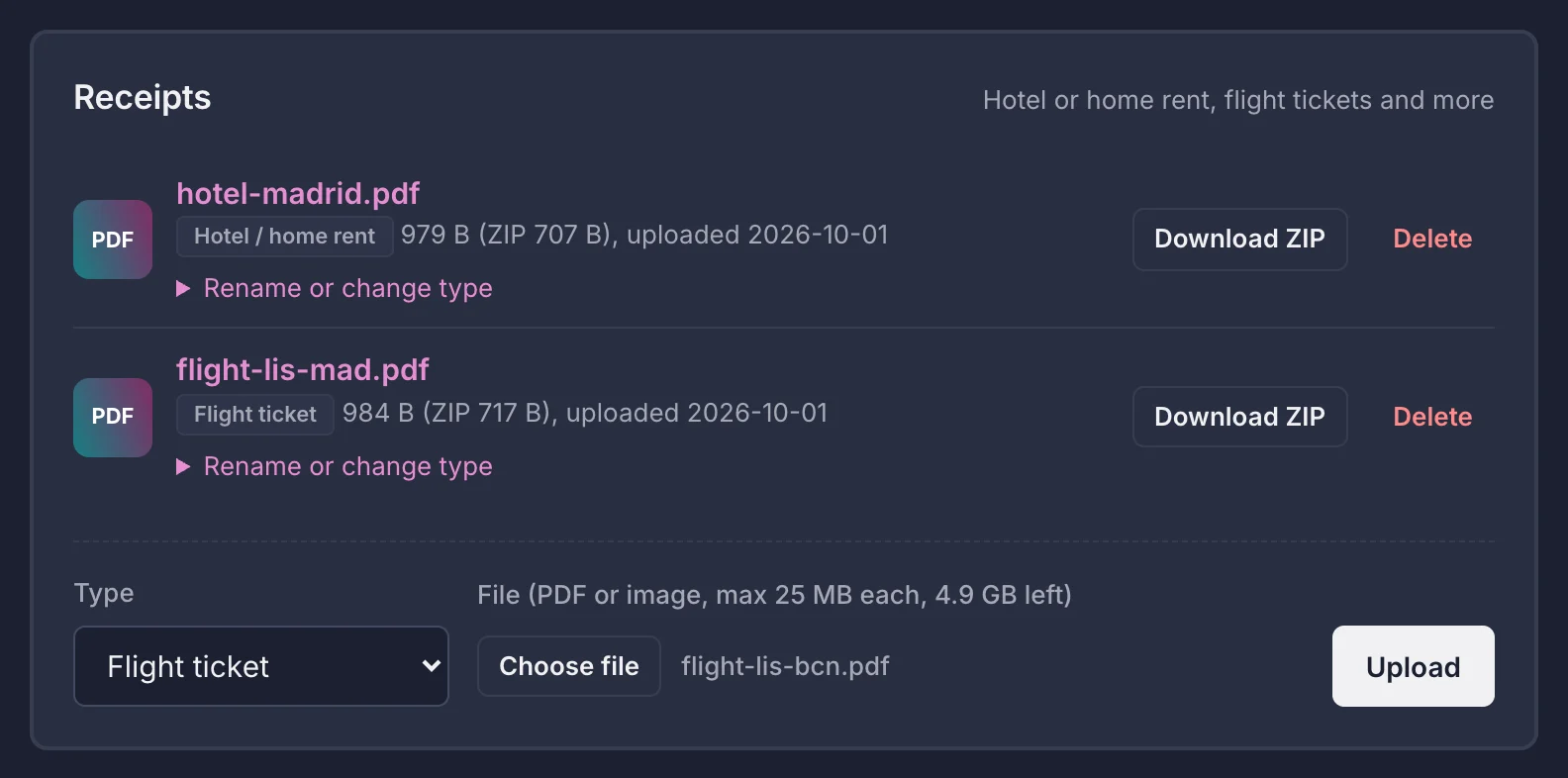
- Upload on a movement's page, or on the base page for your rental contract.
- Types: Rental contract, Hotel / home rent, Flight ticket or Other.
- Files: PDF, PNG, JPG, HEIC or WebP. Files are checked by their content, so a web page renamed to
.pdfis refused. - Big JPG, PNG and WebP photos (over 4 megapixels or 1 MB) are resized to at most about 4 megapixels and saved as JPEG without their metadata, which removes the location a phone stores in a photo. They are never made narrower than 1,000 pixels, so long screenshots stay readable. HEIC files, smaller photos and photos over 24 megapixels are stored as they are, metadata included.
Download, rename or delete
Download ZIP gives the receipt inside a ZIP file. Rename or change type opens a small form under its name. Delete asks twice.
Storage
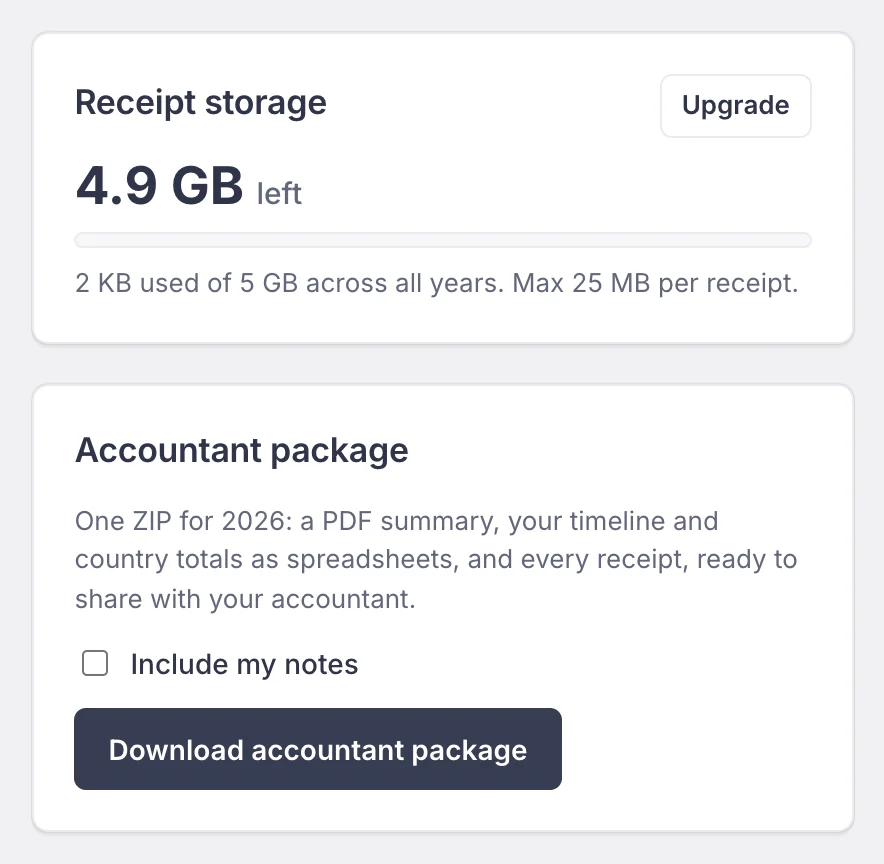
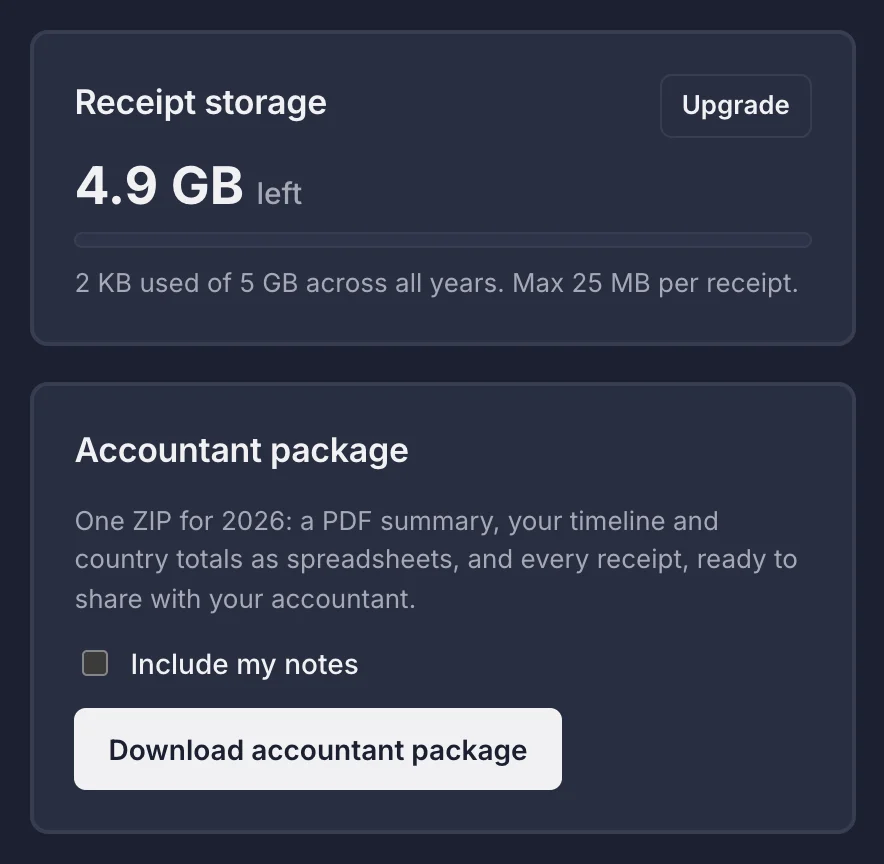
The Receipt storage card shows the space left, shared by all your years. Your plan sets the total and the largest single receipt (see Plans). When storage is full, delete receipts you no longer need, or upgrade.
Accountant package
One ZIP per year for your accountant, from the Pro plan on. Press Download accountant package on the dashboard. Tick Include my notes to add your notes to timeline.csv.
NomadLife-2026-accountant-package/
  README.txt           what each file is
  summary.pdf          days per country, timeline, rules, receipt index
  timeline.csv         one row per movement
  country-totals.csv   one row per country
  manifest.csv         every other file with its SHA-256 checksum
  receipts/
    base/                rental contract
    01_2026-03-03_Madrid_Spain/
Plans
| Plan | Price | Storage | Per receipt | Accountant package |
|---|---|---|---|---|
| Free | Free | 500 MB | 10 MB | No |
| Pro | $0.99 a month or $9.99 a year | 5 GB | 25 MB | Yes |
| Nomad+ | $1.99 a month or $19.99 a year | 25 GB | 50 MB | Yes |
Prices are in US dollars. Your plan is in the menu under your name. Online payment is coming soon.
Settings
Open Settings from the menu under your name.
Name, password and email
- Profile: your first and last name, shown in the menu, in emails and on the accountant package.
- Change password: needs your current password. You stay signed in here; other devices are signed out.
- Change email: we send a link to the new address, valid 60 minutes, and nothing changes until you open it. Your old address gets an alert with an Undo this change link, valid 7 days, in case it was not you.
Two-factor sign in
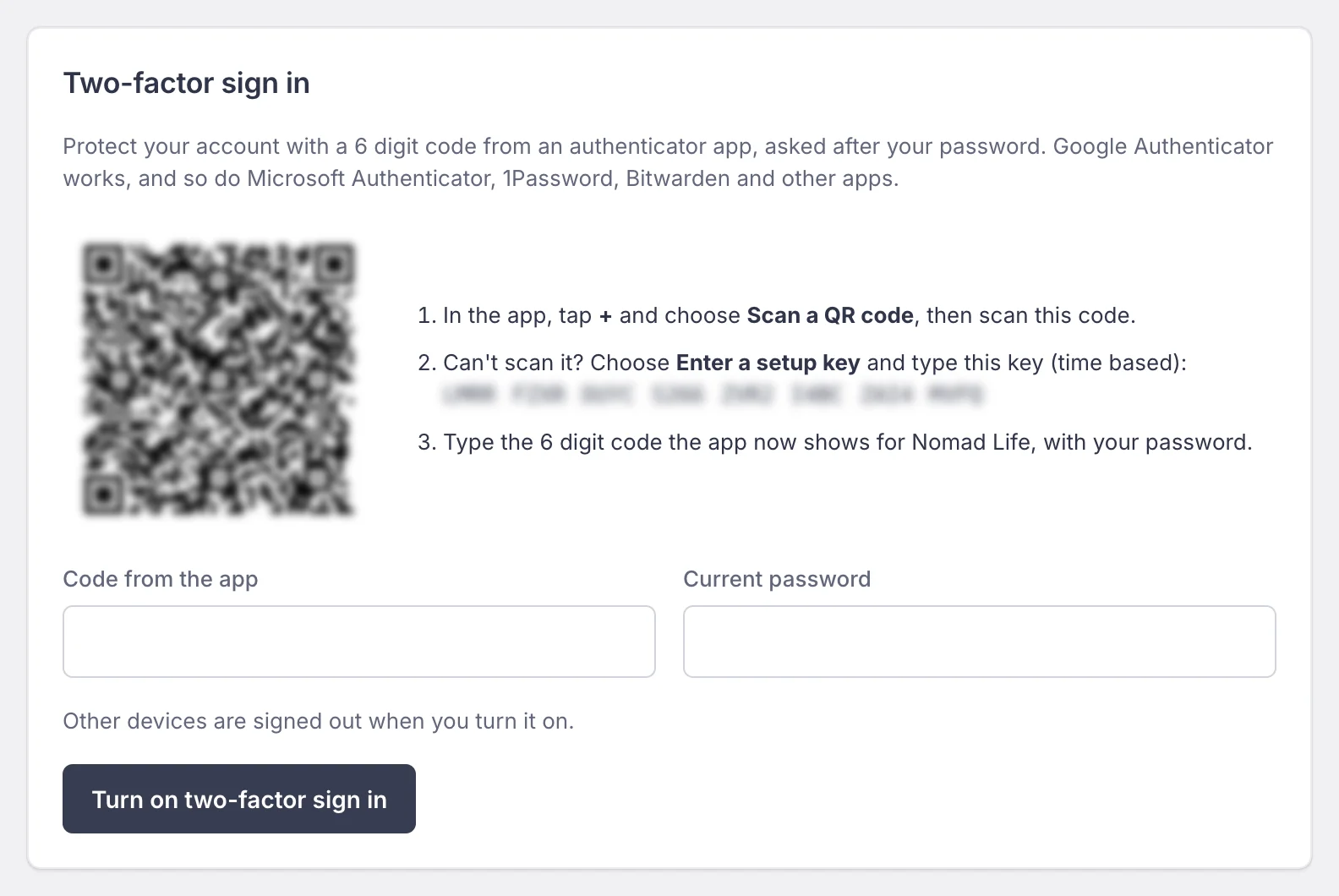
- In an authenticator app (Google Authenticator, Microsoft Authenticator, 1Password, Bitwarden) add an account by scanning the QR code, or type the setup key.
- Type the 6 digit code the app shows, and your password.
- Press Turn on two-factor sign in.
From then on, signing in asks for a code after your password. Lost your phone? See Troubleshooting.
Devices and activity
Sign out everywhere else ends every other session at once, remembered ones too. A browser unused for 31 days is signed out by itself. Recent security activity lists your sign ins and account changes with their time and network address.
Delete your account
Delete my account removes the account with all its years, movements and receipts. It needs your password, two confirmations and your email typed. It cannot be undone, so download your accountant packages first.
Support
Found a bug, have a question or want a feature? Press the chat bubble in the header (or Support in the menu), then Submit a ticket: choose the type, write a subject and describe it.
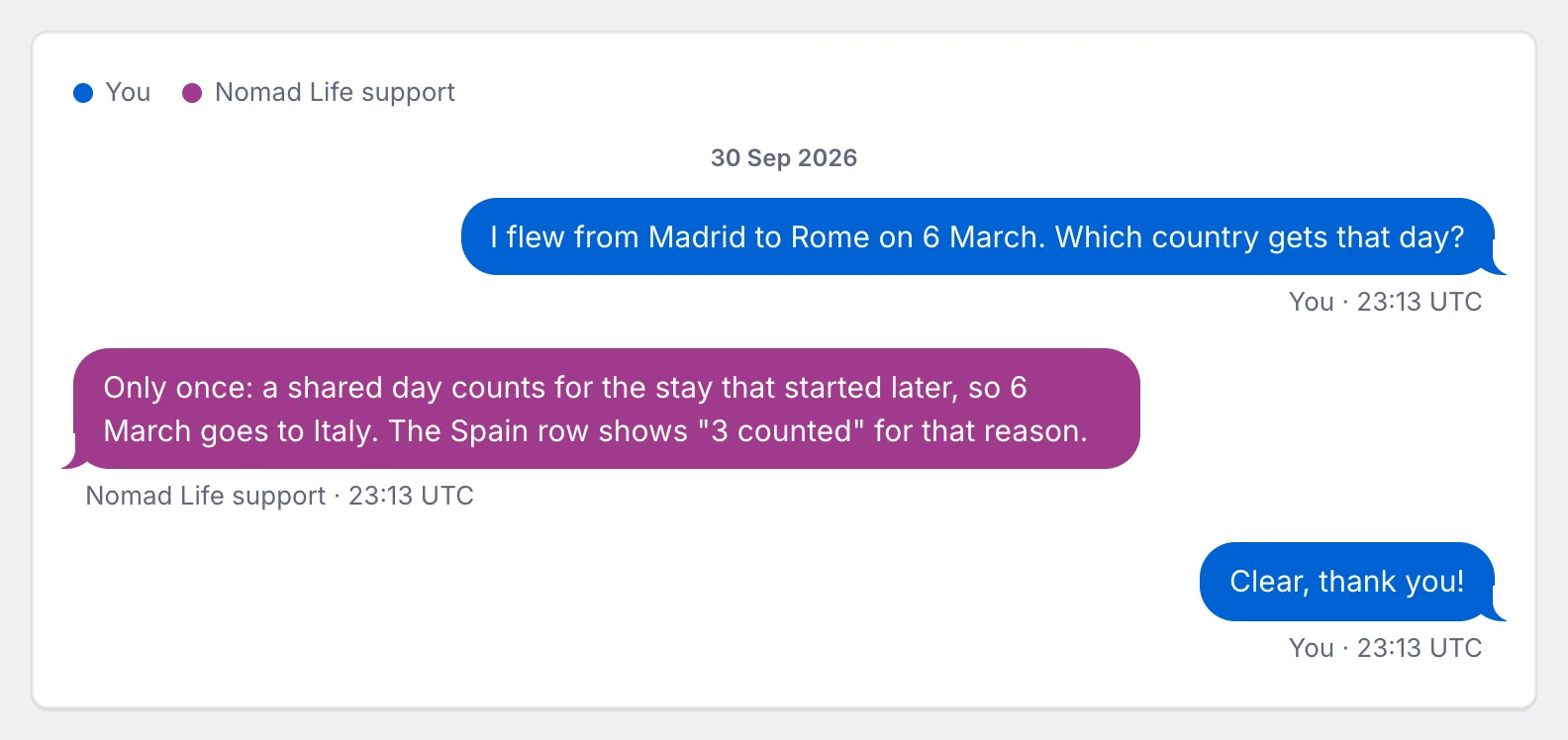
- When support answers, we email you a link to the ticket (never the text), and the chat bubble glows until you open it.
- Close ticket, my problem is solved closes it. Writing again reopens it, unless you already have 20 open tickets.
- Tickets are numbered by year, like #2026-4. Mention the number if you write to us by email.
Troubleshooting
No confirmation email, or the link expired
Check your spam folder. Signing in with your email and password sends a new link. Emails go out at most once a minute per account. If 20 minutes have passed, sign up again with the same address.
"Too many failed sign in attempts"
Wait the minutes the message says, then try again, or use Forgot password?. The pause protects your account from password guessing.
Lost the phone with your authenticator app
Write to support@nomadlife.pro from your account's email address. Once we have checked it is you, we remove two-factor sign in so you can sign in with your password and turn it on again.
A receipt is refused
Only PDF, PNG, JPG, HEIC and WebP files are accepted, up to the per receipt size of your plan. Export other formats (Word, Pages, a web page) to PDF first. If the message says your storage is full, delete old receipts or upgrade.
The day count looks wrong
Look for "counted" under a movement in the table: it shares days with another one. Remember that empty future days count nowhere yet, and that both the first and the last day of a movement count. See How days are counted.
Keyboard shortcuts
| Keys | Where | What |
|---|---|---|
| / | This page | Search the documentation |
| Esc | This page | Close the results; press again to clear the search |
| + - 0 | Map | Zoom in, zoom out, whole world |
| ← ↑ → ↓ | Map, zoomed | Move around |
| ↑ ↓ Enter | Country picker | Choose a country |
The map keys work once the map card has the keyboard focus (press Tab until a map button is highlighted).
Still stuck? Write to support@nomadlife.pro